 Vortenia
macOS Drive Forge
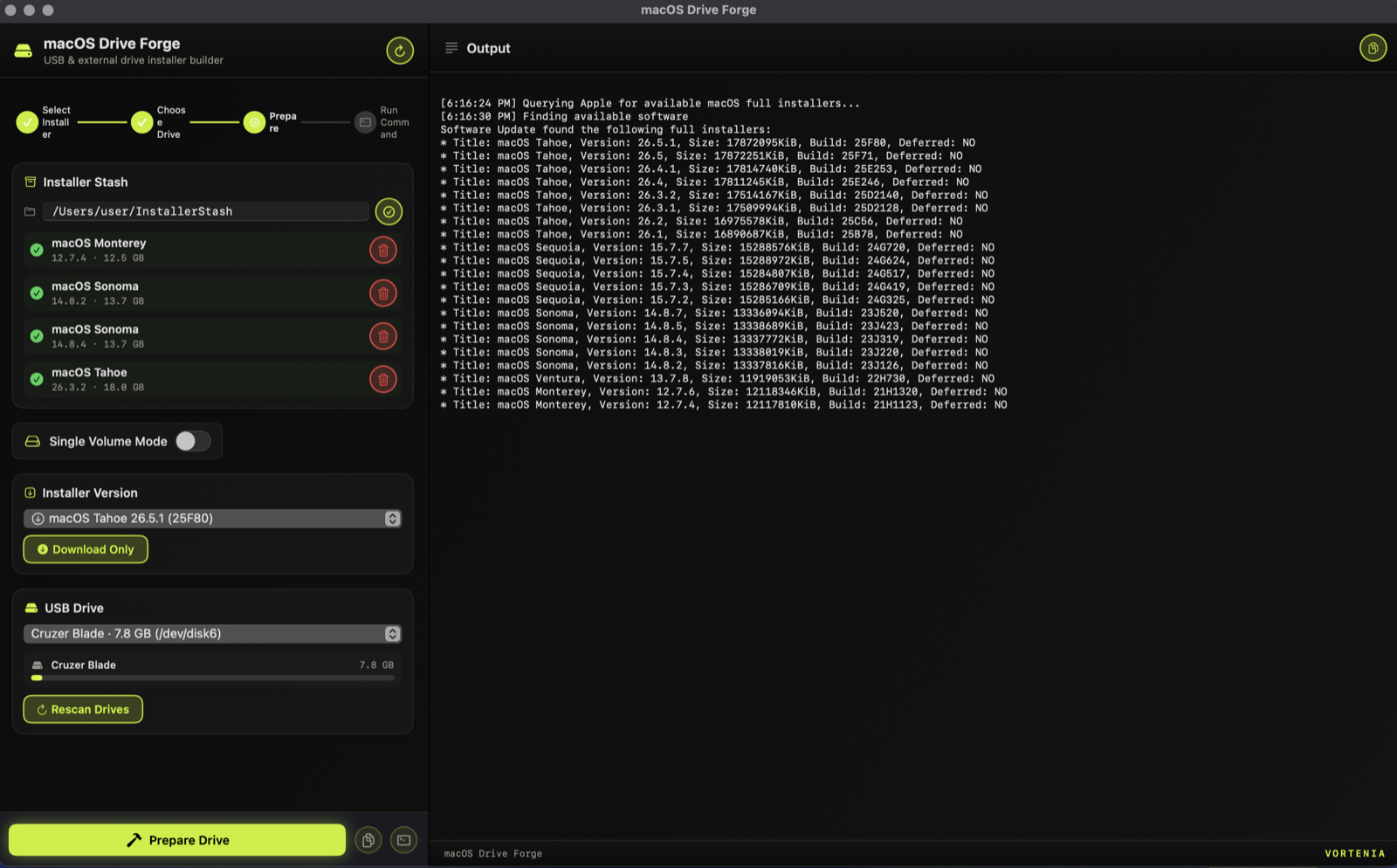
Put multiple macOS installers on a single USB stick or external drive. Sonoma, Sequoia, and Tahoe side by side, so one stick can reinstall or boot any of them.
macOS 14 or laterFirst launch: macOS blocks the app (not yet notarized). Approve it under System Settings, Privacy & Security, Open Anyway; on macOS 14 or earlier, right-click the app and choose Open. An external USB stick or hard drive, 16 GB or more per installer volume. Administrator access, since building a drive erases it first.
What it does
- Multi-version drives. Split one USB stick or external hard drive into several bootable volumes, one macOS version each.
- Works with any external disk. USB flash drives, USB-C and Thunderbolt SSDs, and external hard drives. Bigger drives carry more installers at once.
- Browse and download any Apple full installer straight from Apple, then keep a local stash so you never re-download.
- Live progress and drive-capacity bars as each volume is built.
Built by the studio that builds custom software.
Drive Forge exists because we needed it on our own bench. Vortenia builds custom tools, dashboards, and automation the same way: shaped by real work. If your business runs on spreadsheets and manual steps, we should talk.
Start a project →